
Terminals
Biometric terminals
Add a terminal
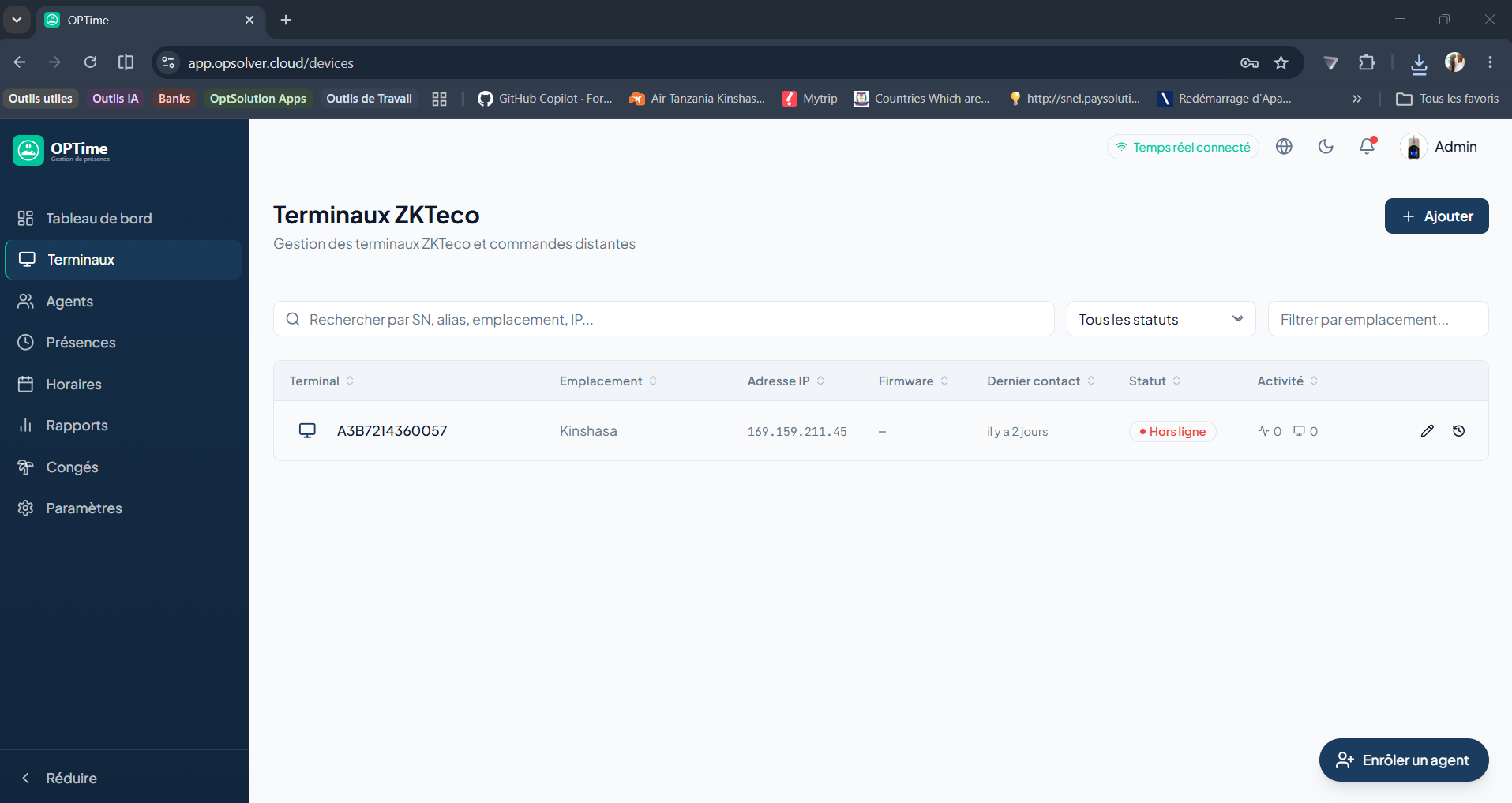
Add a ZKTeco terminal by entering its IP address, serial number and location. Once online, it synchronizes with OPTimes.
Remote commands
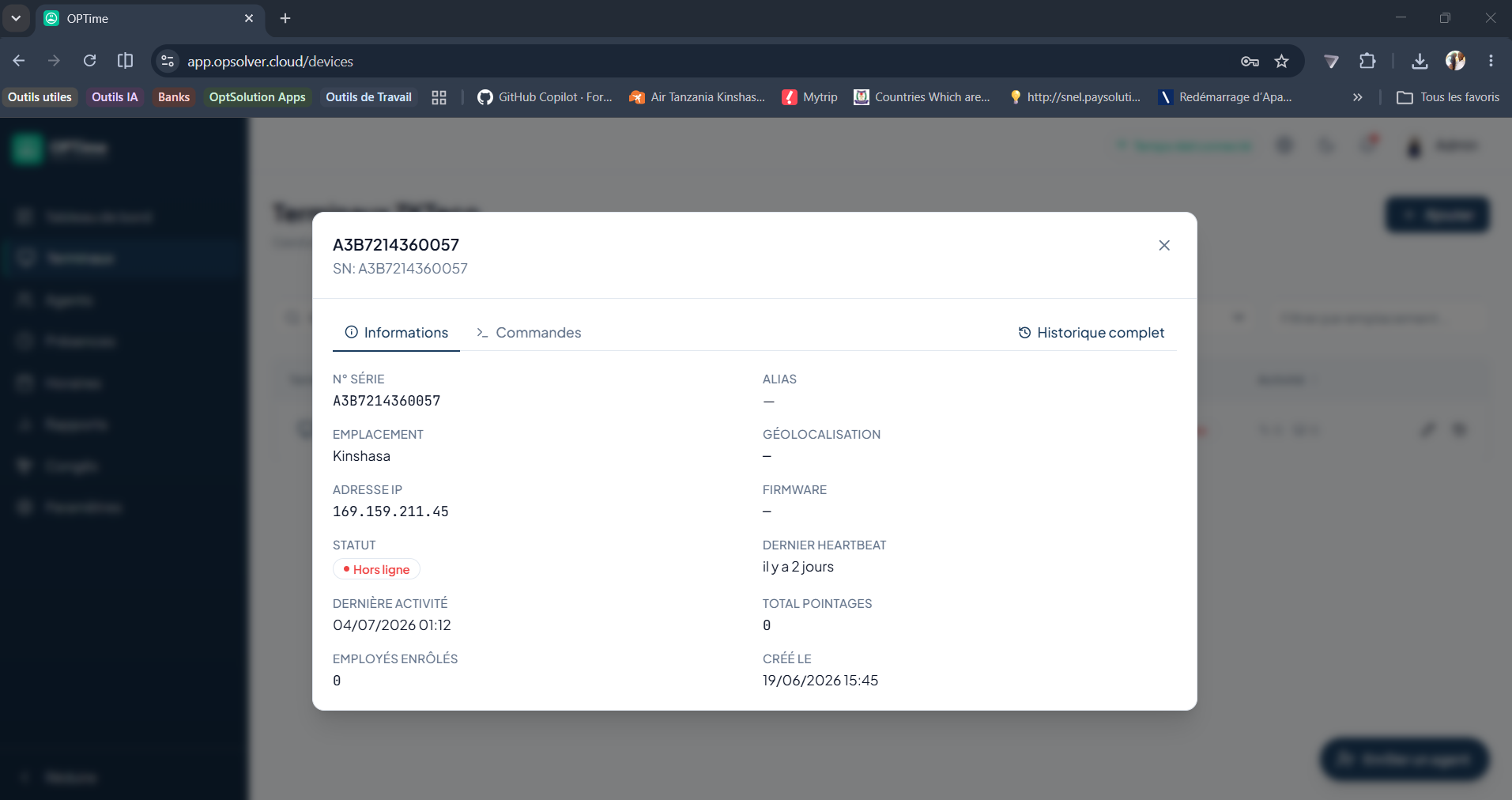
From a terminal's record, you can:
- Restart the terminal.
- Synchronize the time.
- Clear the logs.
- Synchronize employees (send the list of agents to enroll).
TIP
Prerequisite: the terminal must be online and accessible from the network to receive remote commands.
Push notifications
If the module is enabled, a notification can be sent to concerned users when the terminal status changes (online/offline).